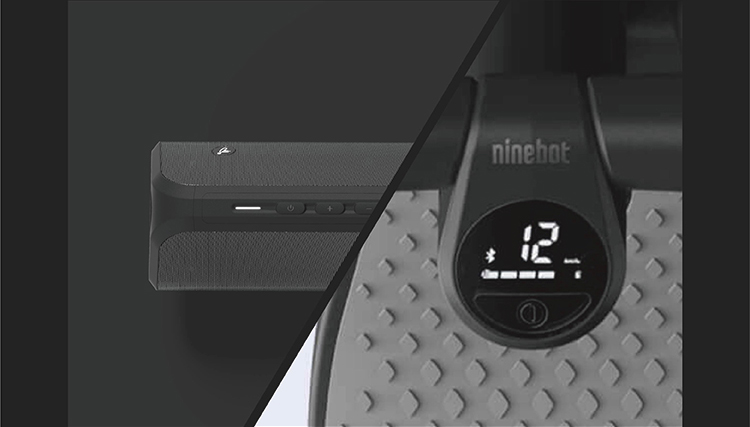
Connect Ninebot Engine Speaker to Ninebot KickScooter
Take Ninebot KickScooter E22 for instance
NOTE: Please ensure the KickScooter firmware has been updated to the latest version in the Segway-Ninebot app. Before pairing with the speaker, disconnect the app from the KickScooter.
1. Press the power button to turn on the speaker. The white indicator means vehicle mode and the blue means music mode.
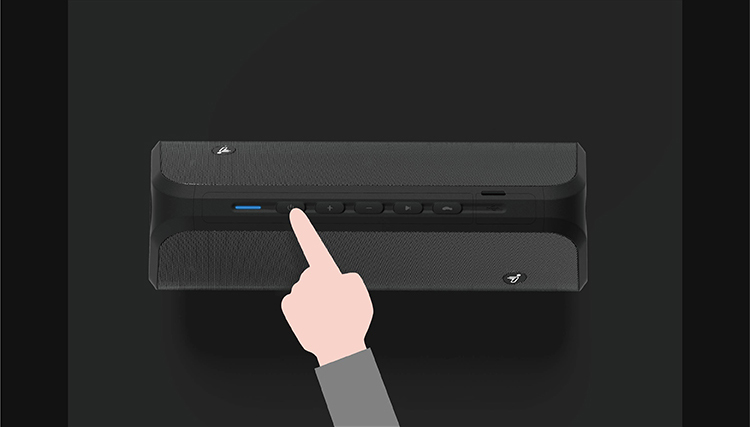
2. If the indicator is blue, please press the Mode button to switch it to white.
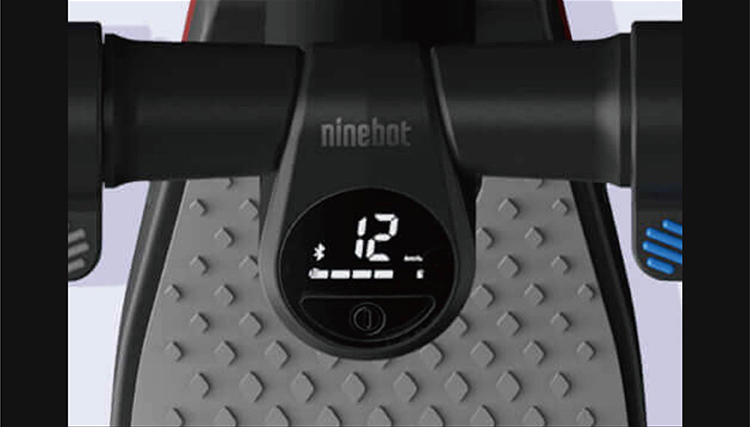
3. Power on the KickScooter, the Bluetooth indicator should be flashing. If the indicator is solid blue, it means the KickScooter is connected to another device (such as the Segway-Ninebot app). Disconnect the device from the KickScooter first until the Bluetooth indicator flashes.
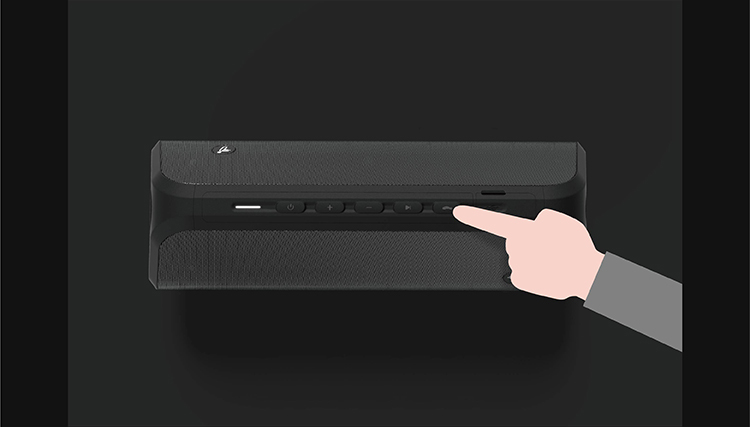
4. Press and hold the Mode button to start pairing. Follow the voice prompt to complete the pairing (the indicator is white with double flashes).
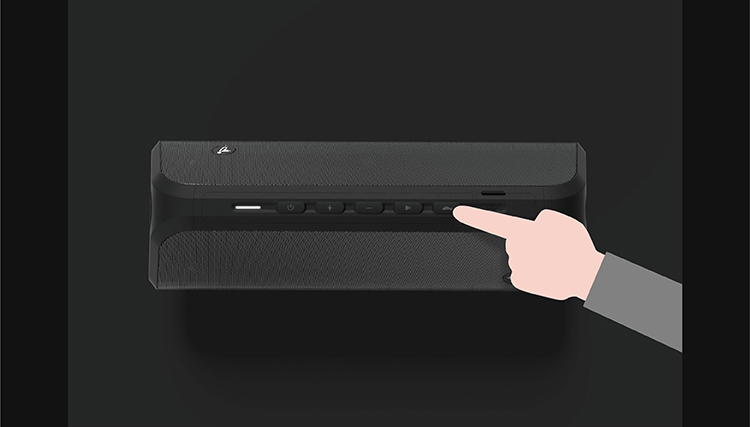
5. After the KickScooter is found, follow the voice prompt (press the power button) to complete the pairing.
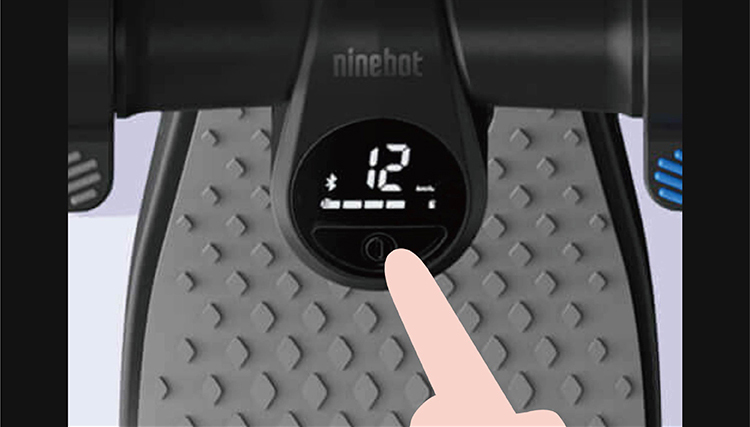
6. Once the pairing is successful, the speaker indicator will be solid white, and the Bluetooth indicator will be solid blue.